

Floral Wedding Invitation Template Editable in Canva | Minimalia Paperie
Price: $7.00
📥 Digital instant download template. No shipping required.
Floral Wedding Digital Invitation - Invite Evite Template – Editable & Instant Download
Elegant. Simple. Instant.
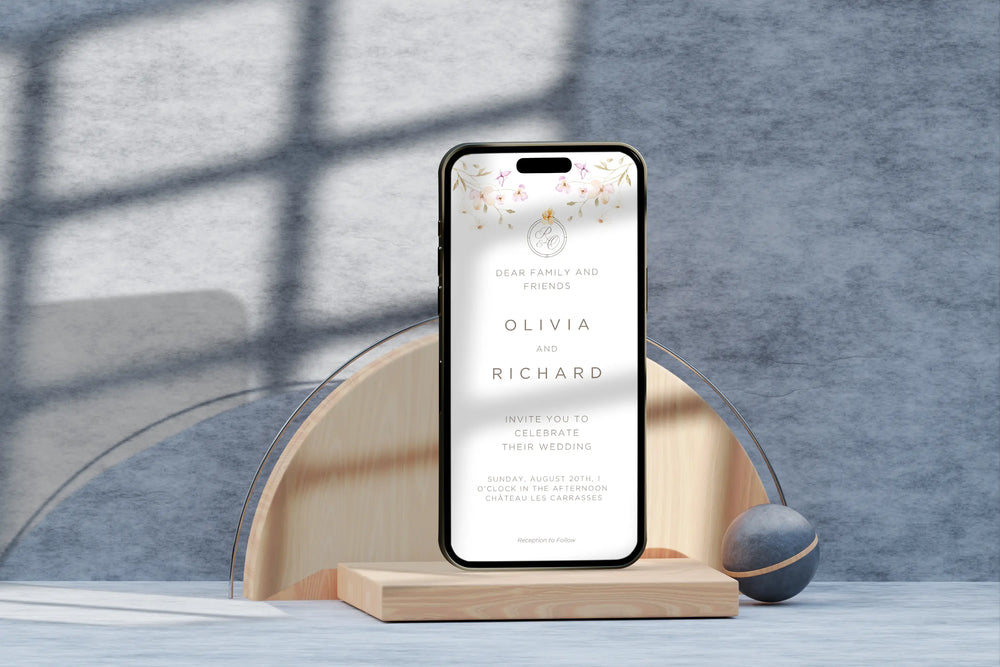
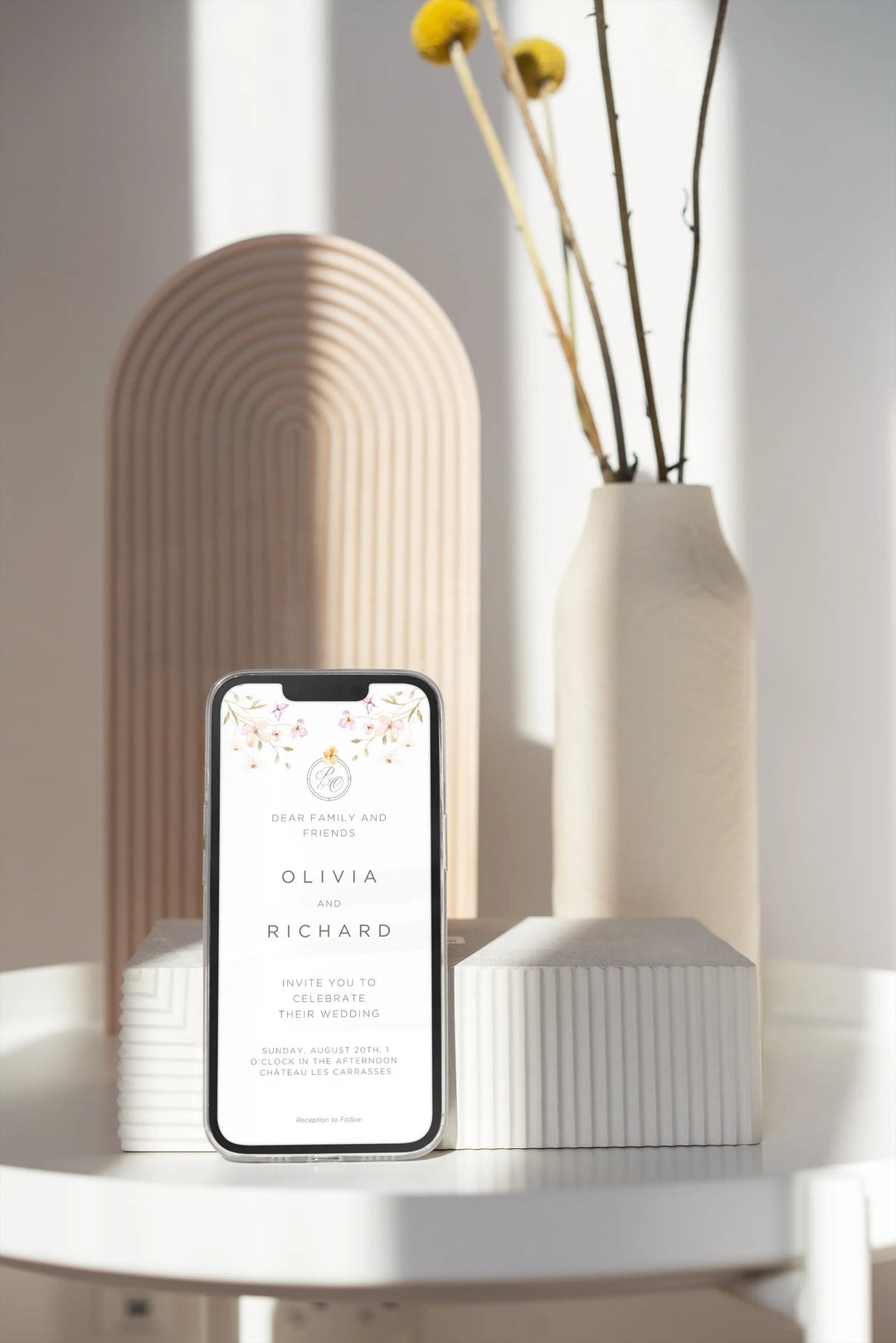
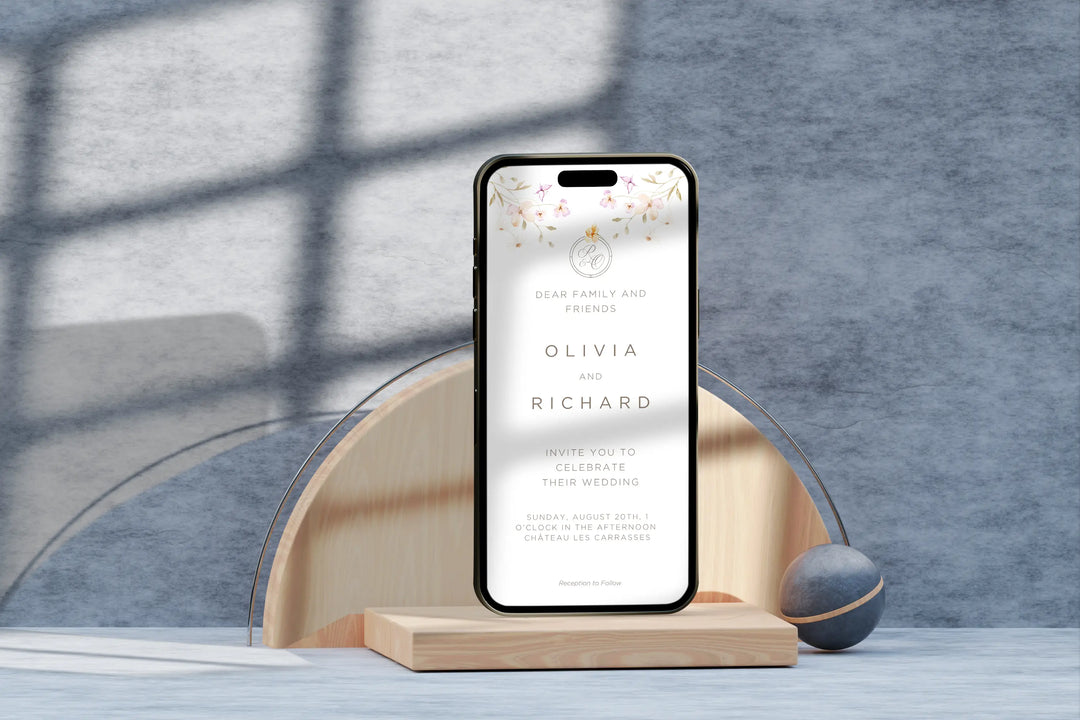
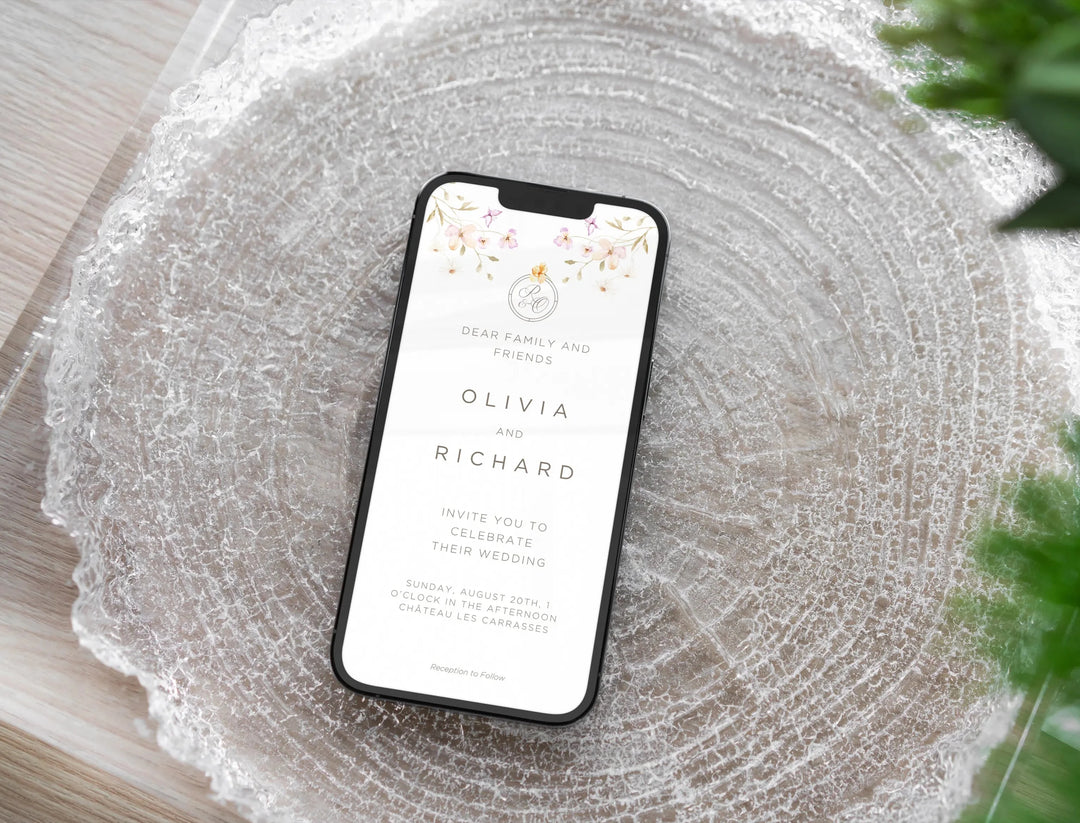
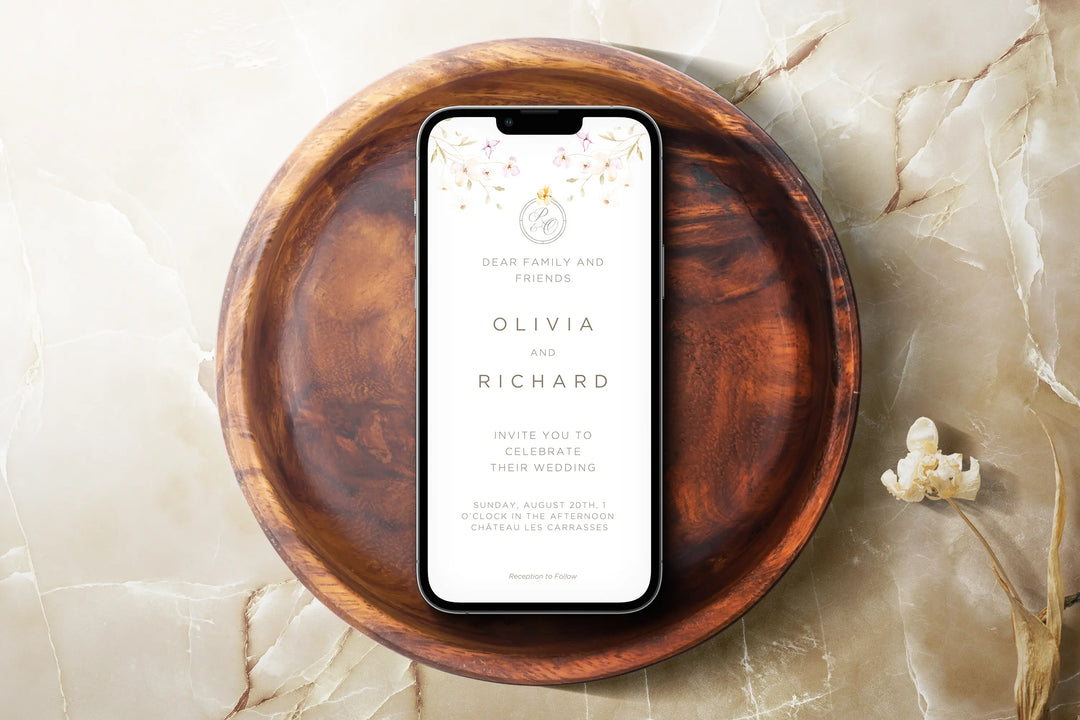
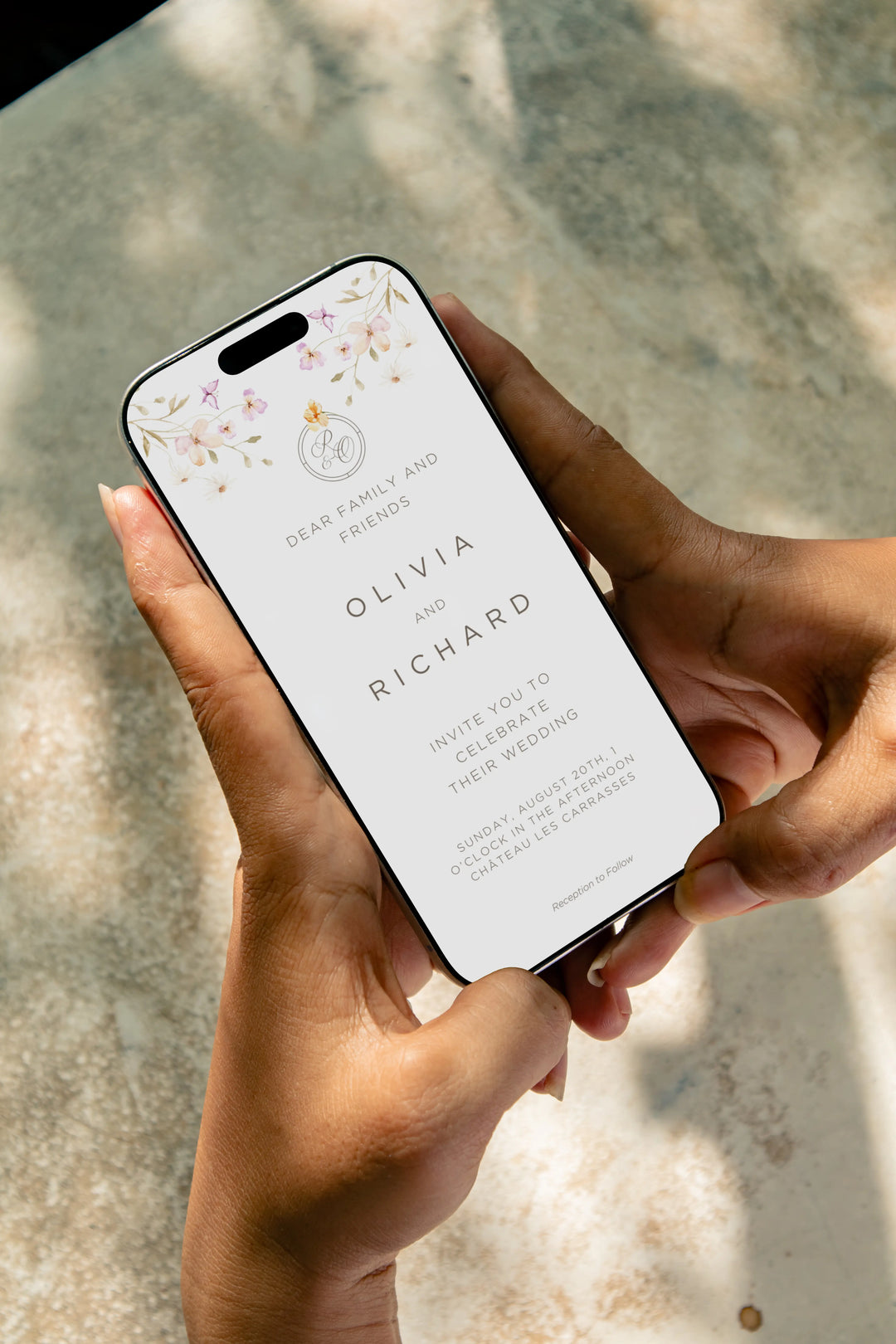
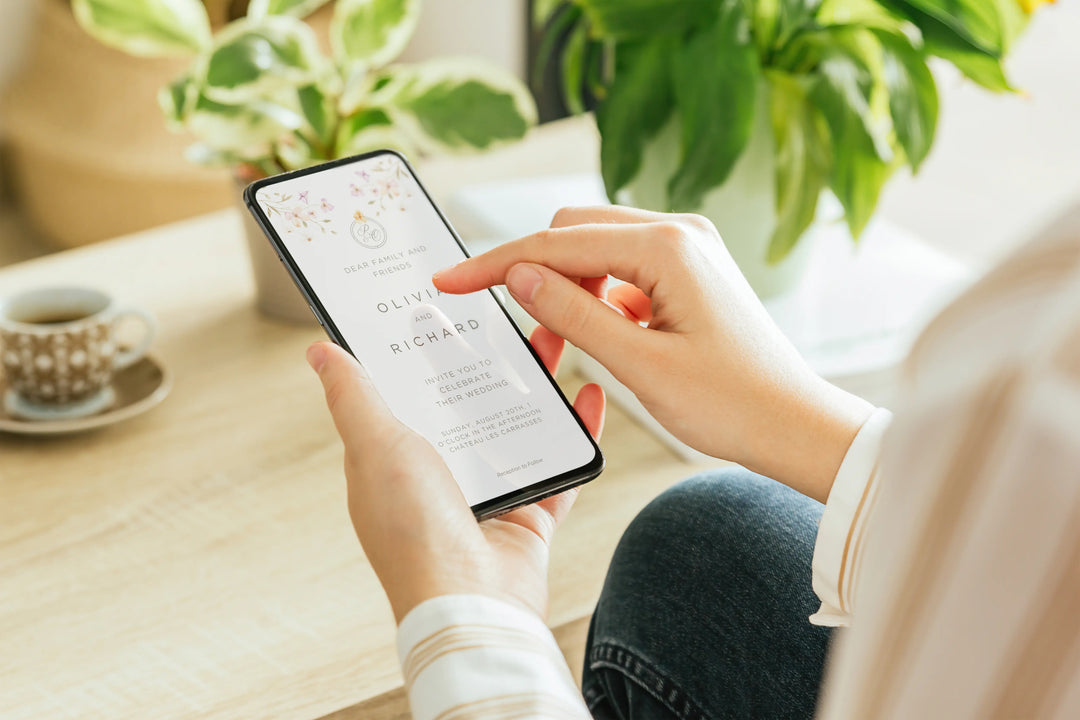
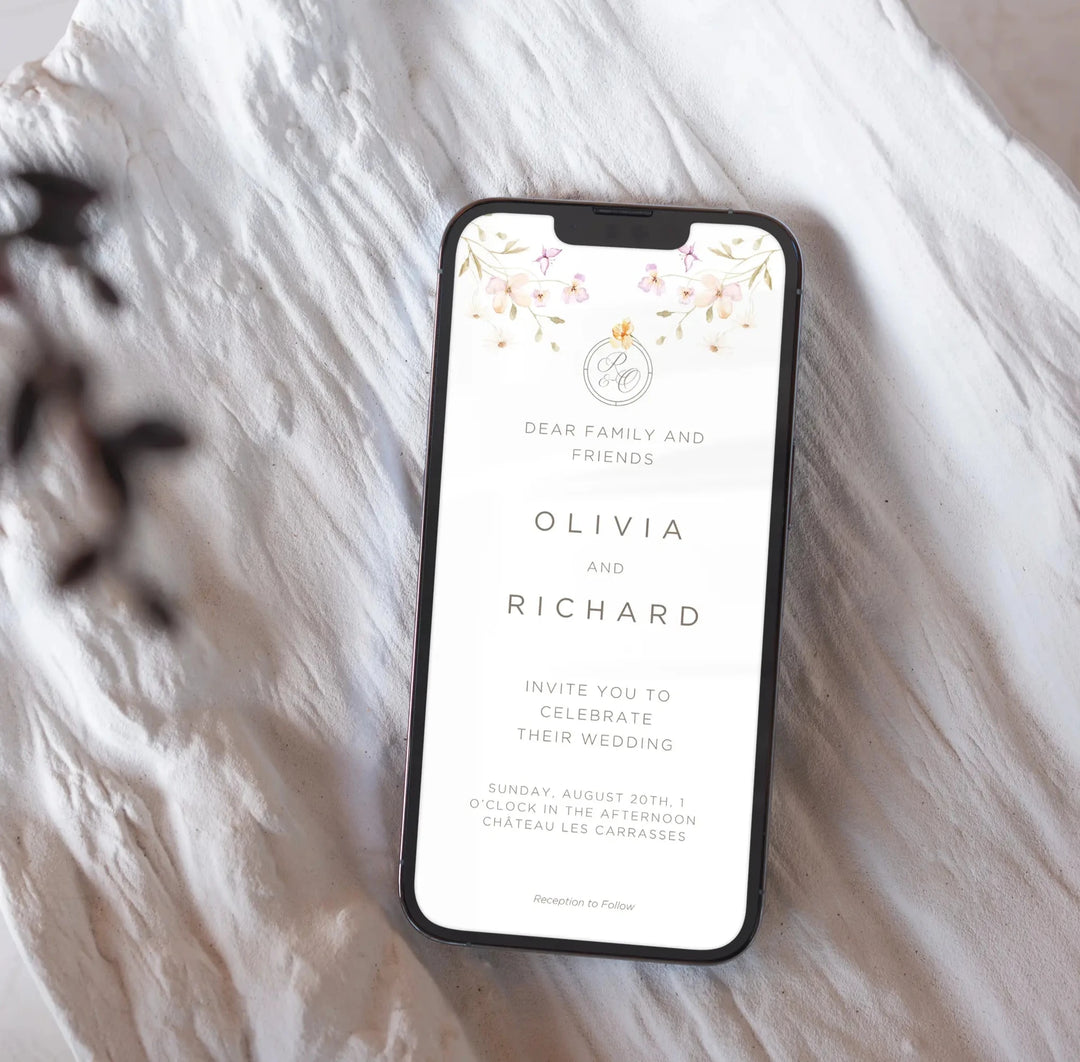
Invite your guests with timeless elegance using our Floral Digital Invitation. Featuring delicate watercolor floral designs and elegant typography, this evite is perfect for modern and minimalist weddings.
Delivered as an instant download, you can easily edit your invitation with your names, date, and event details—no waiting, no shipping, just a beautiful, eco-friendly digital card ready to send.
What’s Included
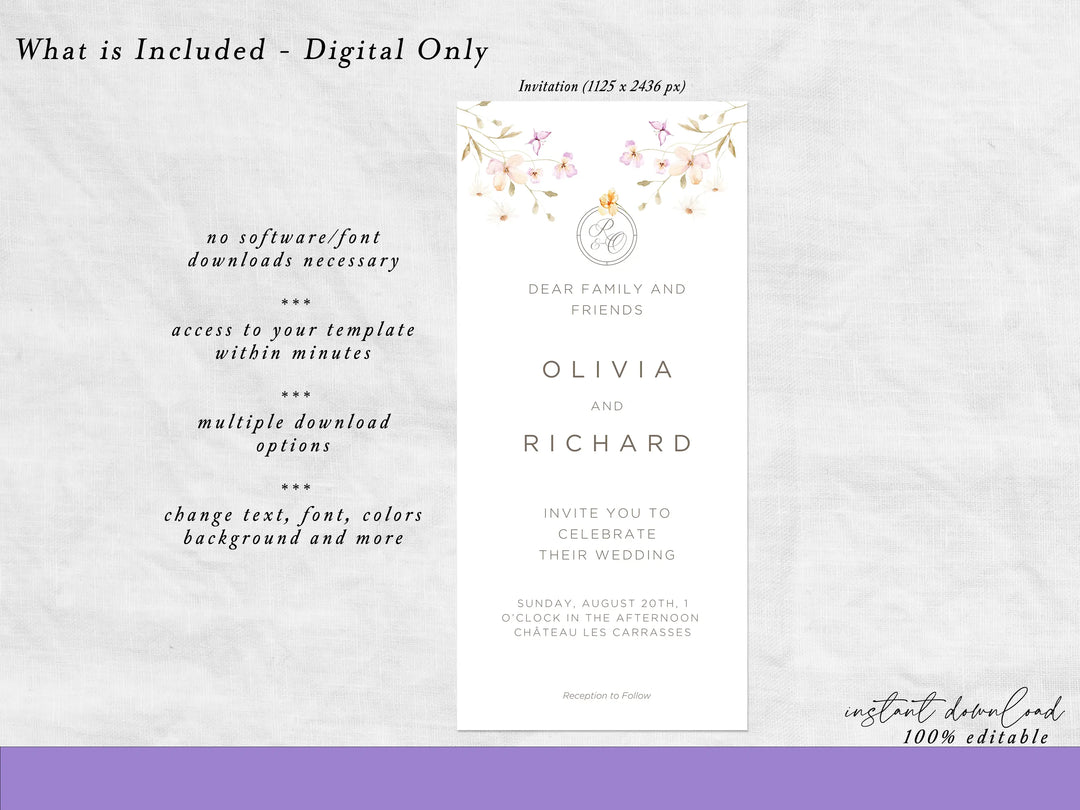
✔️ Floral Digital Invitation Template – Mobile evite size: 1125 x 2436 px - Editable in Canva (no software required).
✔️ Instant Access – Download your file immediately after purchase.
✔️ Personalization – Edit names, date, time, and location.
✔️ Multiple Formats – Save as JPG, PNG, or PDF for easy sharing or printing.
Why Choose Our Digital Invitations?
💌 Paperless & Eco-Friendly – Save time, money, and the planet.
🌸 Floral Elegance – A romantic design that fits any classic or garden celebration.
📱 Easy to Share – Send via WhatsApp, email, or social media instantly.
⏳ Fast & Flexible – Edit in minutes, download, and share.
How It Works
-
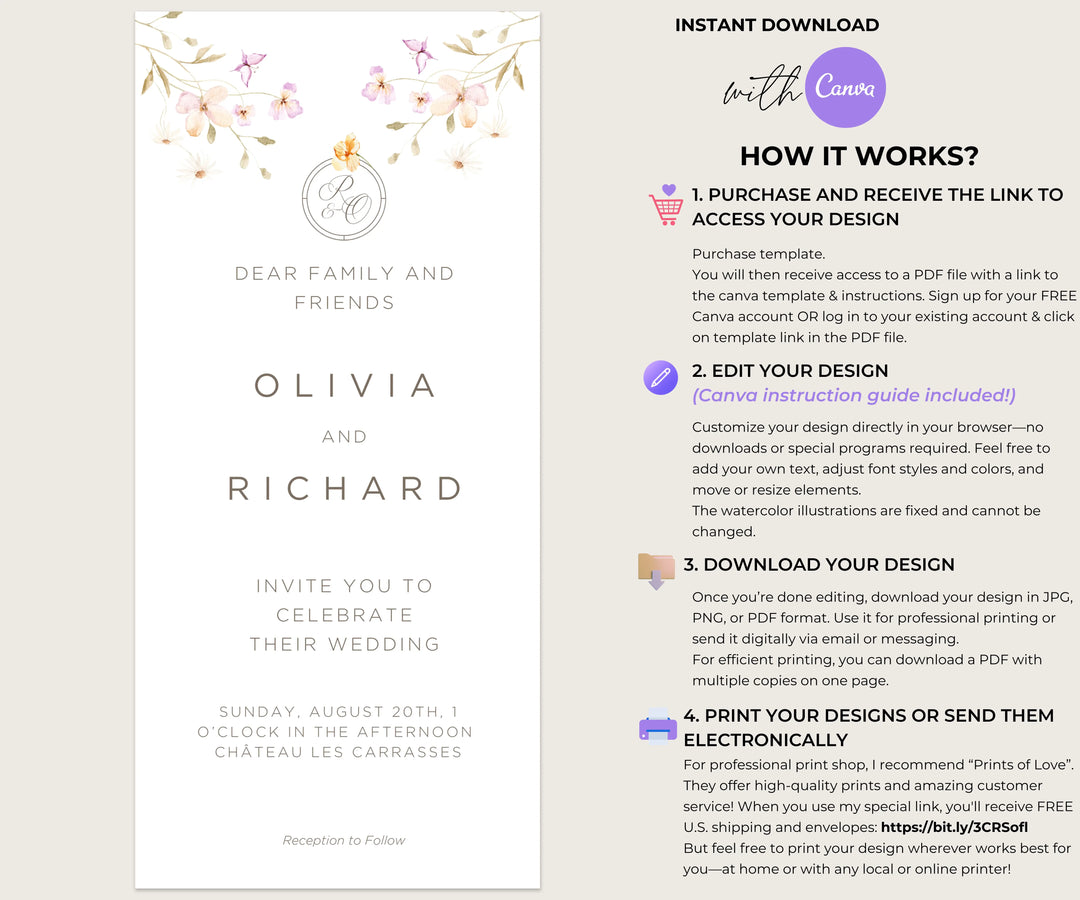
Purchase the template.
-
Access the design instantly via Canva link.
-
Edit with your details (names, date, venue).
-
Download and share with your guests.
Product FAQ
How will I receive my invitation?
You’ll get an instant download link to edit in Canva.
Can I customize fonts and colors?
Yes. Fonts and backgrounds can be adjusted to fit your theme.
Is printing possible?
Yes. You can download as PDF or JPG for printing, or share digitally.
Do I need special software?
No. Canva is free and easy to use from your browser or app.
Price: $7.00
📥 Digital instant download template. No shipping required.
- Purchase template
- After purchase is confirmed, you will receive a link with a PDF. Go to the link in PDF to access your template
- Create FREE Canva account (simple step by step instructions included)
- Edit and make changes in Canva.
- Download as PDF, PNG, or JPEG. Option to save with trim marks and bleed
- Print at home or at a professional print shop
You can customize:
- All text (names, dates, wording)
- Colors to match your wedding theme
- Fonts and typography styles
- Font sizes and layout spacing
- Background colors (in most templates)
- Add your own photos (where applicable)
Please note:
- Artwork and design elements are not editable or removable due to copyright
- Template size and orientation cannot be changed
- Editing is best supported on desktop; some mobile or tablet features may be limited
Prefer us to handle the editing? Select the Customization Service option, and we’ll personalize your suite for you.
Here’s how it works:
- Add the Customization Service to your order.
- Provide your details in Customization box.
- We’ll confirm your request via email within 24 hours.
- Receive your customized suite by email in 3–5 business days.
Notes:
- This service covers text, colors, and basic layout adjustments only.
- For larger changes (new design elements, resizing, or custom animations), please contact us for a custom quote.
All digital templates sold by Bilmiss are intended for personal, one-time use only. By purchasing and accessing any file, you agree to the following terms:
- This is a instant download digital product. No physical item will be shipped.
- Templates are available for instant download after purchase.
- You may edit, save, and download your template for up to 6 months.
- Each template is licensed for a single event only.
- Personal use only — commercial use, resale, or redistribution is strictly prohibited.
- You may customize text, fonts, colors, and layout where available.
- Some design elements (such as illustrations or graphics) is not editable.
- Colors may vary slightly depending on your screen or printer settings.
Refund Policy
Due to the nature of digital products, all sales are final. Refunds or exchanges are not available once the file has been accessed or downloaded.
EU & UK Customers
In accordance with EU Directive 2011/83/EU and UK Consumer Contracts Regulations, by purchasing and accessing digital content, you waive your right to cancel. The 14-day withdrawal period does not apply once download access is provided.
Copyright & Usage
All designs are created by Bilmiss and are protected by copyright. Viewing, downloading, or printing files is permitted for personal use only. Any reproduction, distribution, or resale is prohibited.
Bilmiss reserves the right to revoke access if these terms are violated.
If you have any questions or copyright concerns, please contact us at info@bilmiss.com.
© Bilmiss. All rights reserved.
What is Canva?
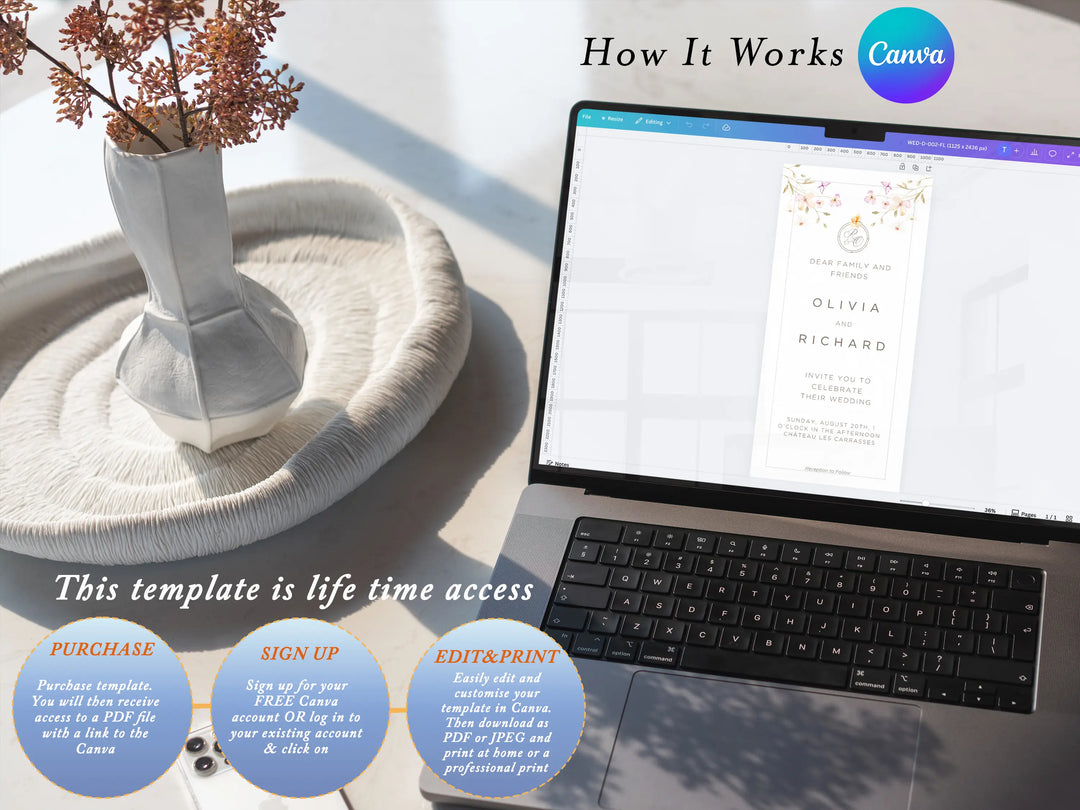
Canva is an online editor that allows you to customize your template directly in your browser — no software required.
After purchase, you’ll receive a PDF with a secure Canva access link. Simply open the link and start editing in your Canva account.
What can I edit?
You can change text, fonts, colors, layout, and upload images where applicable.
Are all design elements editable?
Some decorative elements such as illustrations or clip art may be fixed to preserve the design style.
What file formats can I download?
You can export your design as high-resolution PDF, JPG, or PNG (300 DPI).
Can I print at home?
Yes, or you can use any professional print service.
What paper should I use?
We recommend 110–130 lb (280–300 gsm) cardstock for best results.
Can I edit on mobile?
Canva works on mobile devices, but editing works best on desktop for full functionality.
Do templates expire?
No. Canva templates come with lifetime access once saved to your account.
Can I use this for multiple events?
No. Each template is licensed for one-time personal use only.